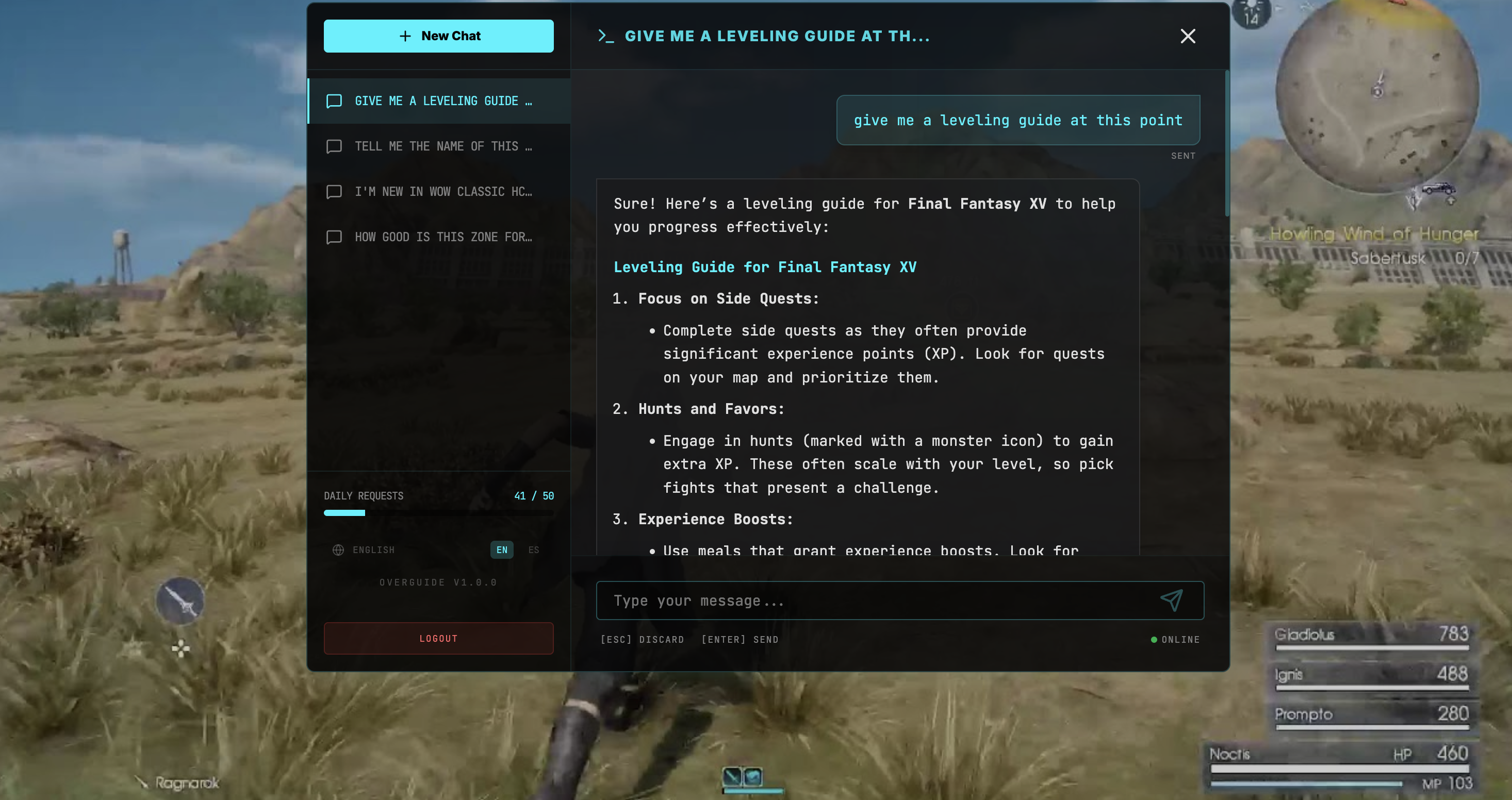
Overguide - AI Gaming Assistant
The intelligent overlay that revolutionizes how you play. Get AI responses without leaving the game.

How to Use
Intelligent Overlay
Overguide runs as a transparent layer on top of your games. Interaction is seamless, allowing you to get AI help without ever leaving your session.
Global Hotkeys
Toggle the overlay instantly with these shortcuts:
Cmd + Shift + I
Ctrl + Shift + I
Required Permissions
To provide the best experience, Overguide requires the following system permissions:
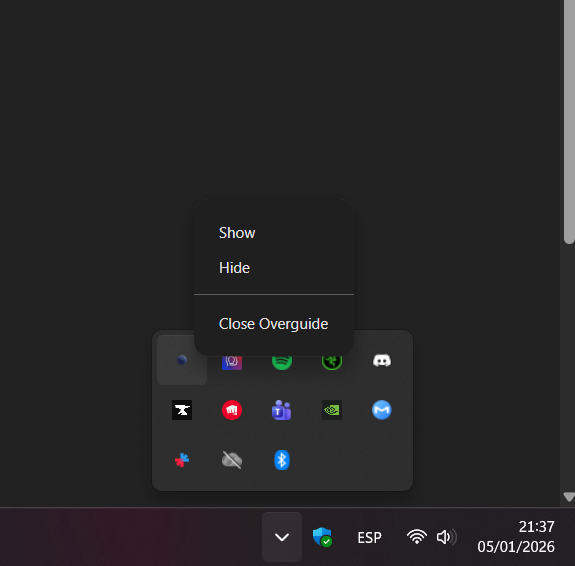
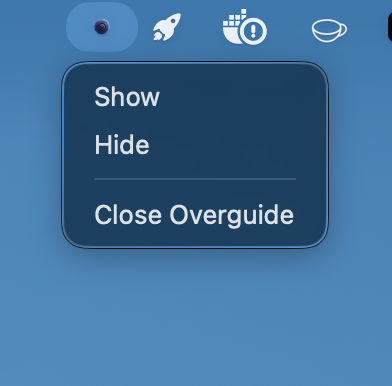
App Controls
Pricing
Free
- Up to 50 daily requests
- Basic AI Assistance
- Community Support
Unlimited
- Unlimited requests
- Priority AI Processing
- Priority Support
macOS Installation
Running Overguide on macOS
Since Overguide is currently unsigned, you'll need to run the following command in your Terminal to allow the application to launch:
sudo xattr -cr /Applications/Overguide.app
Note: If the command above fails, try removing the
-r flag (sudo xattr -c ...) depending on
your macOS version.
Gallery